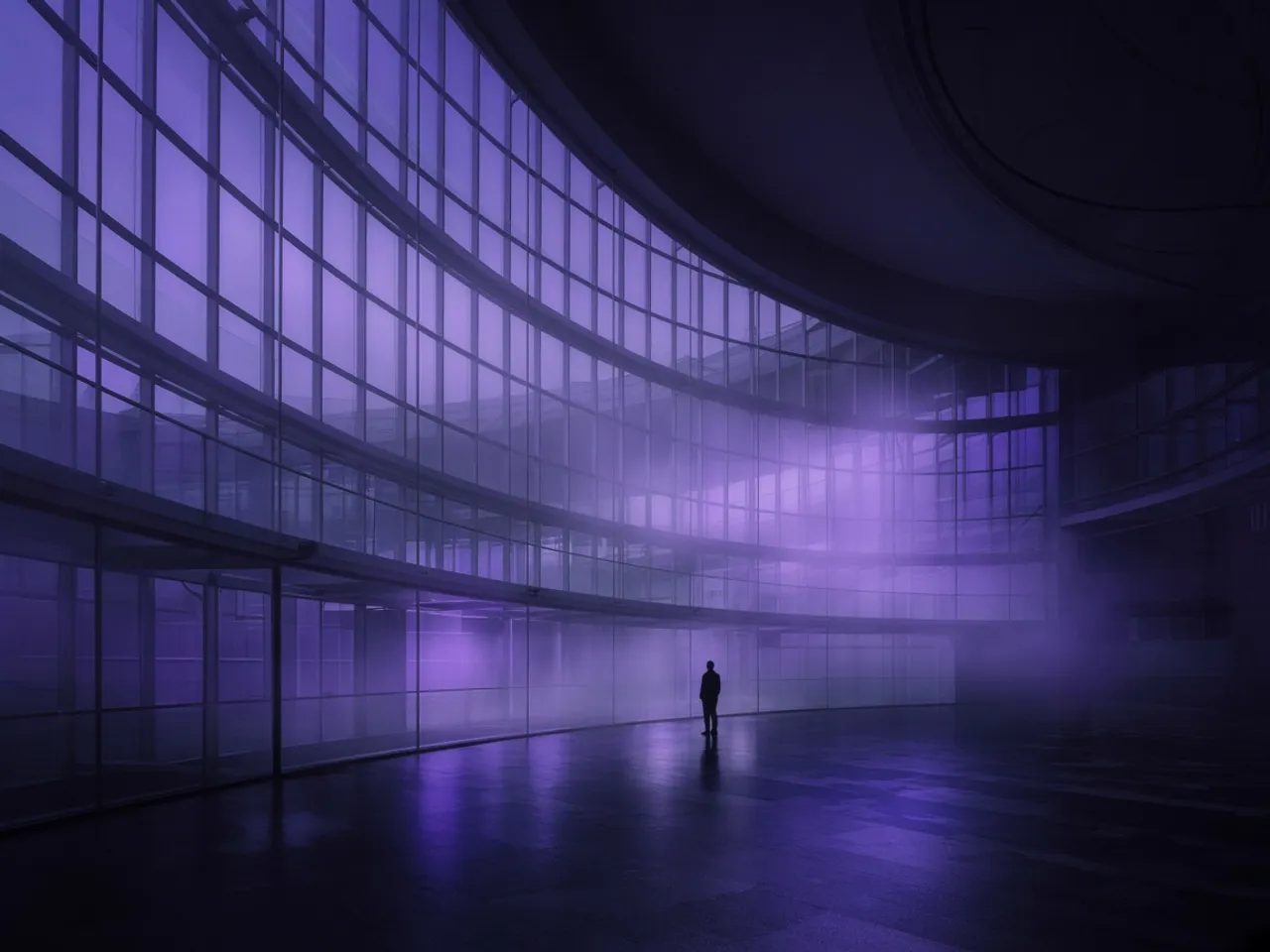
01
Still
Describe the subject, the light, and the lens. RivoArtAI renders a still you can keep, restyle, or hand to video.


Prompt
A night tram crossing a violet bridge, rain on the lens, slow push-in.
Holding the subject while the camera moves.
iOS and Android
Sample frame
“A night tram crossing a violet bridge, rain on the lens, slow push-in.”
Why RivoArtAI
The workshop
Still
Describe the subject, the light, and the lens. RivoArtAI renders a still you can keep, restyle, or hand to video.

Motion
Write the shot, not a caption. The clip follows the sentence: who moves, how the camera travels, where the light sits.

Anchor
Start from a picture you already trust. Motion is added around it, so the subject, product, or face stays the one you uploaded.
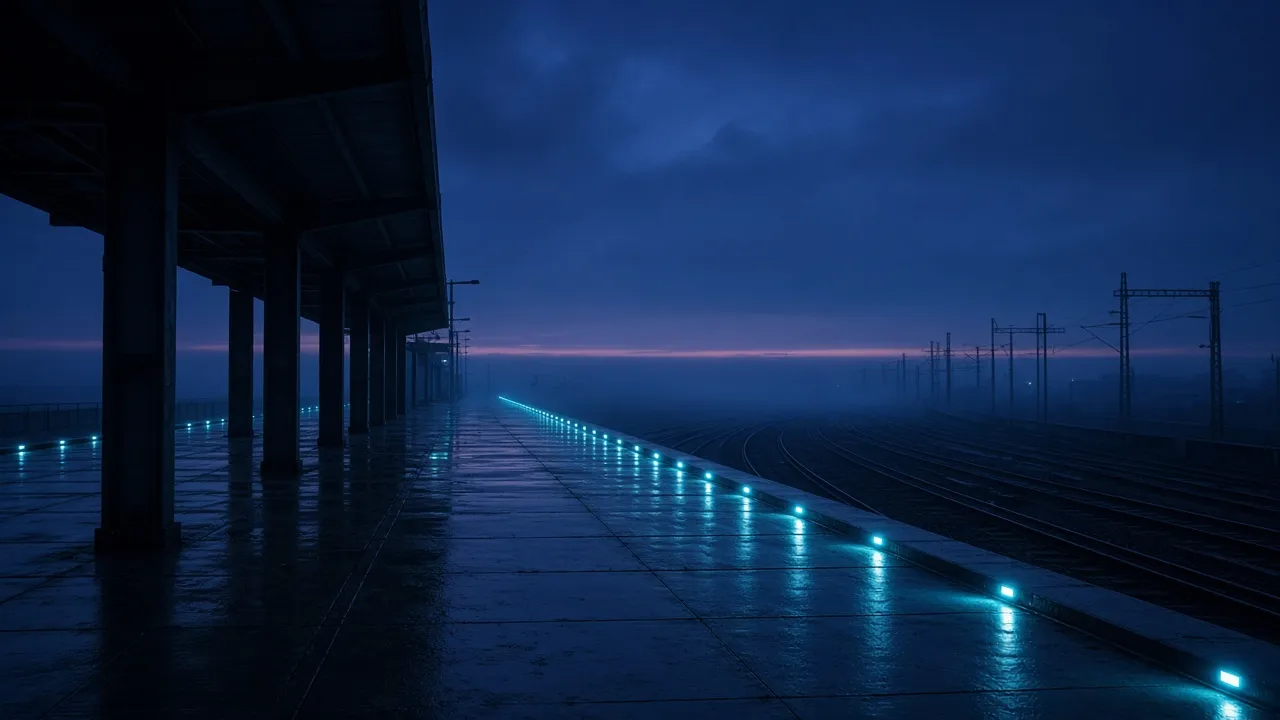
Duration
Carry a clip past its last frame, or open the frame when a vertical cut needs more sky. Grain and perspective stay with the original.
Studies
Sample frames generated for this page in the indigo palette. Finished work from the app will replace them when the first public build ships.







The path
A sentence, a reference still, or a clip that ends too soon. That is the whole brief.
The app routes the brief to an image or video model and keeps the subject steady while it renders.
Change the line, the length, or the crop, then run it again. The history stays on the account.
Models
Image and video models sit behind the same four tools. You choose the input. The app chooses a model that fits the job, and you can switch when a look needs a different hand.
Who it is for
Block a shot on the phone before a set day. Test camera and light without opening a timeline.
Keep stills and motion in one palette, so a deck does not look like it came from three tools.
Turn approved copy into a clip you can put in front of someone the same day.
Plans
You subscribe inside the app. This page describes the tiers. It does not charge you.
Learn the workshop before you pay.
For a weekly cadence of stills and clips.
For heavier weeks and client work.
Questions
No. Creation happens in the iOS and Android app. This site is the product home, the plans, and the legal pages the stores ask for.
Four tools, one indigo screen. Download when the stores open.